Design Your InnoSub Face Plate
Choose your iPhone model. Its exact InnoSub insert becomes both the design canvas and live preview, with your artwork clipped to the template.
1
Choose your iPhone modelThe exact InnoSub insert becomes your canvas and live preview.
2
Design your face plateAdd customer artwork or text, then position it directly on the insert.
Choose a graphicChoose a category, then tap a design to add it to the insert.
No published graphics in this category yet.
Edit your photoCrop, remove background, add a border, or apply a filter.
The full photo is shown at 100%. Choose Free crop and drag any-size rectangle to crop; draw again to change it. Clear crop keeps the entire photo. Move / zoom repositions the photo.
Upload photos from your phone
Open upload page
Scan this QR code with your phone. Photos you send will appear inside this computer’s InnoSub insert design.
Preparing a secure upload link…
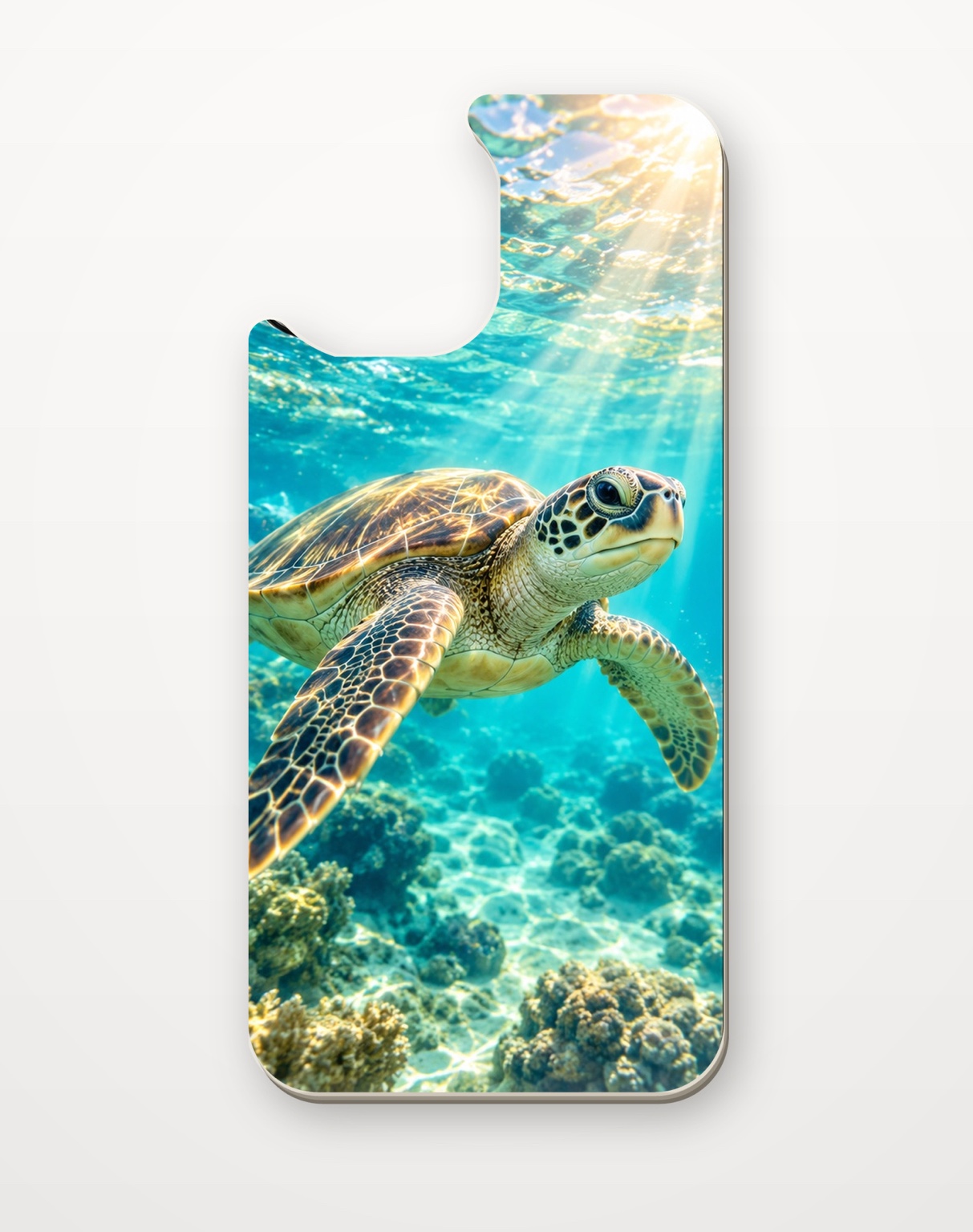
Your background fills the InnoSub insert mask. Add customer artwork or text and position it on this same canvas. The camera opening stays cut out in the live preview and print file.
3
Send your designWe’ll receive your preview and design file.
FACE PLATE DESIGNChoose your iPhone modelExact template mask · 300 DPI
Choose an iPhone model to start your live insert design.